Statistics Dialog
Image Context Menu -> Statistics
Selection Context Menu -> Statistics
Basic statistical data is available in the Statistics dialog, accessible from the right click image context-menu. To copy the statistics for all available elements click the Copy to Clipboard button.
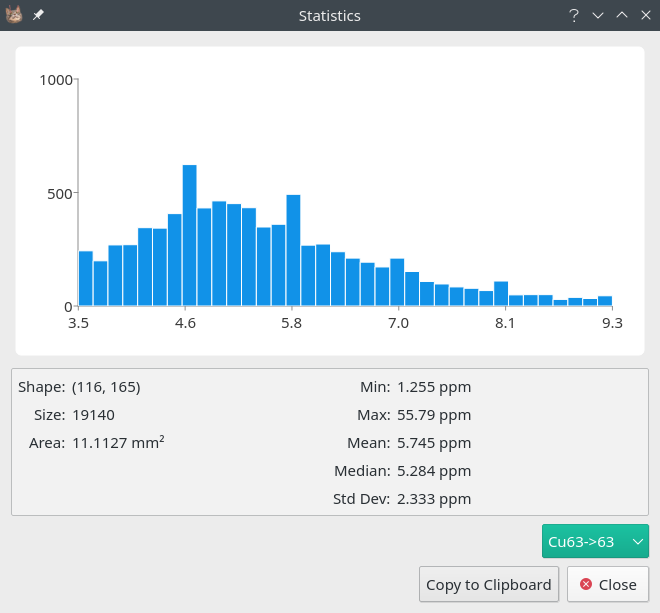
The Statistics dialog. A histogram of the data is shown in the top part of the dialog and a few basic statistics in the bottom.
See also
- Example: Mean of a region.
Example using selections.