2. Example: Thresholded division of elements
Division of two elements is commonly used to normalise one element to another. Without thresholding of low background values this can produce a rather unattractive image. See also Calculator.
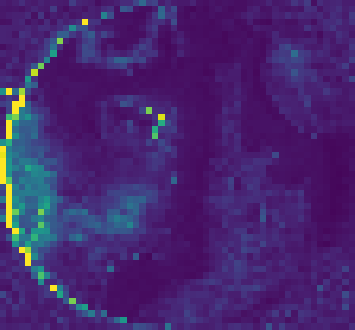 =
= 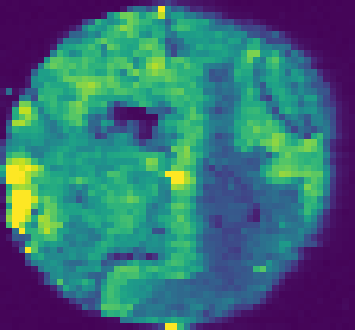 /
/ 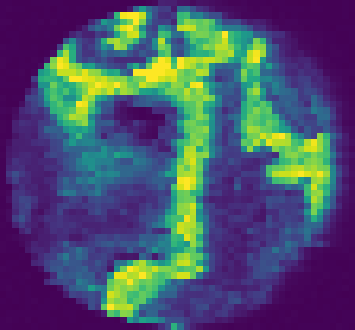
In this example we use the calculator tool to simultaneously threshold and divide two elements.
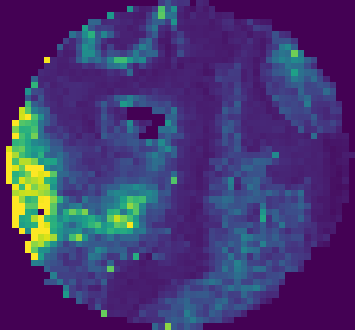 = /
= /
- Determine the background value of the divisor image.
In this example a value of 100 sufficed.
- Using the calculator tool perform the operation.
Enter
if P31 > 100 then Zn66 / P31 else 0into the Formula box.The first part of the if/then/else masks the data so only values above the threshold are operated on. The second part performs the division while the last part sets unmasked data to 0.
- Enter the new name, and click Apply.
Choose a unique name to prevent overwriting data.
3. Example: Image Segmentation
Selection of a region of interest of structural feature can be performed using segmentation. In this example we will use multi-level kmeans to select certain features from Fe56 of a tissue-micro-array core.
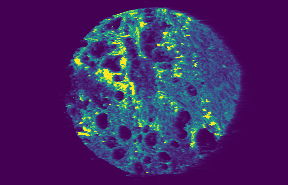
- Create the segmented image mask.
Enter
segment(Fe56, kmeans(Fe56, 3))into the Formula box. Here we are using 3 level kmeans clustering.
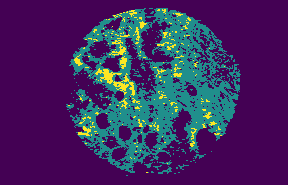
- Enter
maskedinto the Name box, and click Apply. You can choose any name will work.
- Enter
- Select data from the original.
Enter
mask(Fe56, masked == 3)into the Formula box. The selected data is limited to regions where k==3.
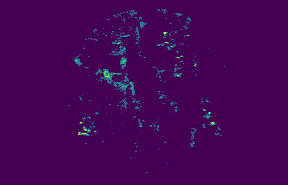
- Enter the new name, and click Apply.
Choose a unique name to prevent overwriting data.