4. Example: De-noising an image
In this example we remove instrument noise from an image. See also Filtering Tool.
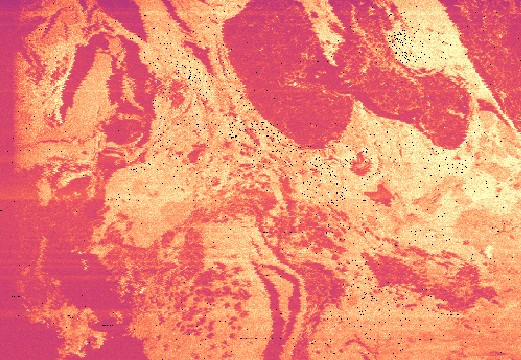
Negative spikes (-33) are visible due the to instrument missing an acquisition cycle.
- Using the Filtering tool select the appropriate filter.
Available filters are Rolling Mean and Rolling Median.
- Select appropriate filter size.
Typical window sizes are 3, 5 or 7. A larger window size will be more sensitive in detecting outlying data but is more likely to introduce artifacts.
- Select the appropriate filter threshold.
An ideal threshold will change invalid data while leaving valid data untouched.

A rolling median filter replaces the invalid values with the local median.